Library Hold Pickup Lockers

Pick up your holds at two new locations!
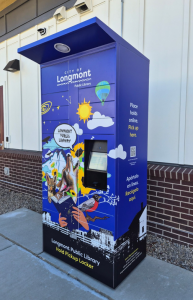 We have great news to share. The Library has added two new hold pickup lockers in Longmont. You will find them at Ascent at Hover Crossing (2225 18th Ave.) and Lashley Street Station (1200 Lashley St.).
These two lockers are an added convenience for Library users: choose to pick up holds at the Library during Library hours or at a locker, closer to home, any time of day.
What are hold pickup lockers?
Hold pickup lockers work like the lockers you may see at stores, but instead of packages, they hold Library books and other items you place on hold.
How to use the pickup lockers:
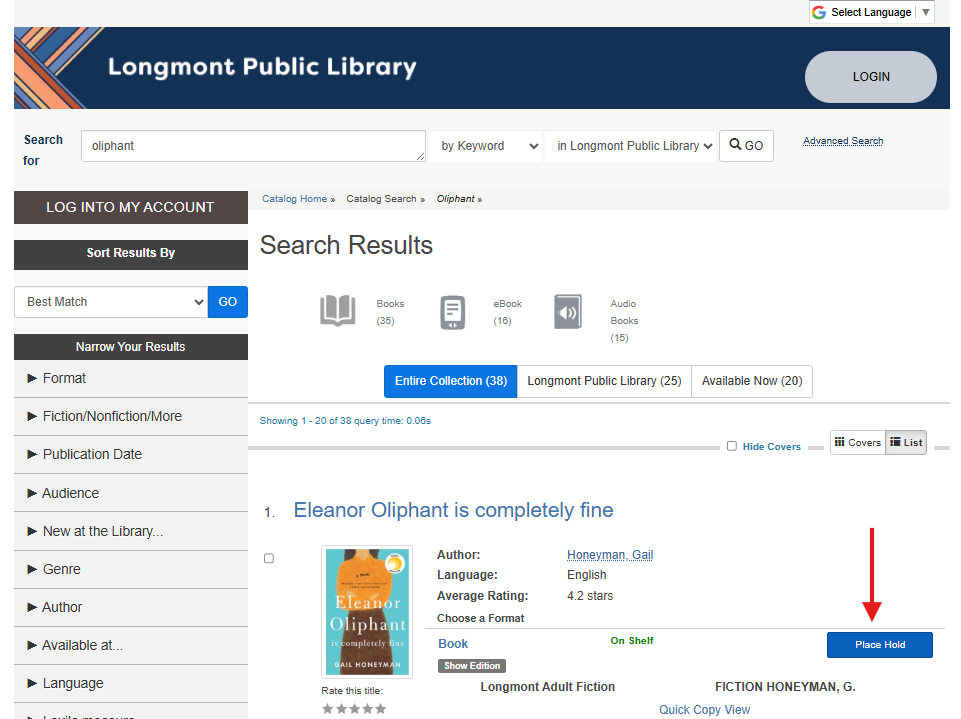
- Place a hold online at any computer, inside or outside the Library. You will need your Library card number and PIN (last four of your phone number) to place a hold.
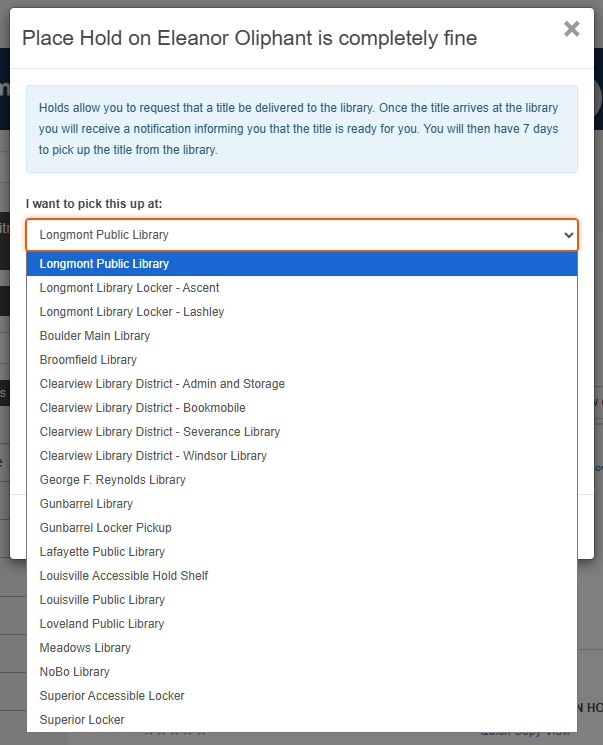
- Select a Longmont locker location that works best for you from the list of pick up locations.
- Click “submit”.
- When your items are ready for pickup, you will be notified.
- Go to the locker, scan your library card or key in your card number at the touch keypad, and the door (or doors) will open automatically for you.
- Remove your items and close the door(s).
- Your Library items will be checked out automatically when the locker door(s) close.
That’s it! Hold pickup lockers are easy to use, well lit, and secure.
Call the Circulation Desk at 303-651-8476 if you have further questions. We are happy to help!